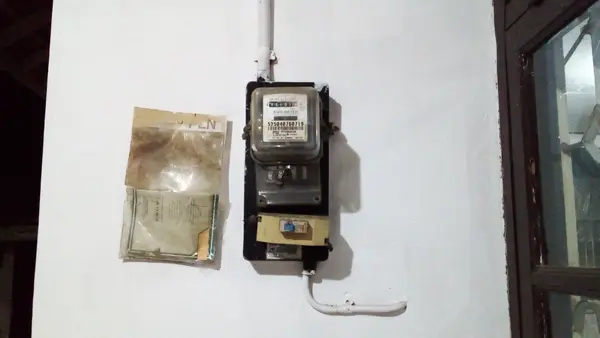
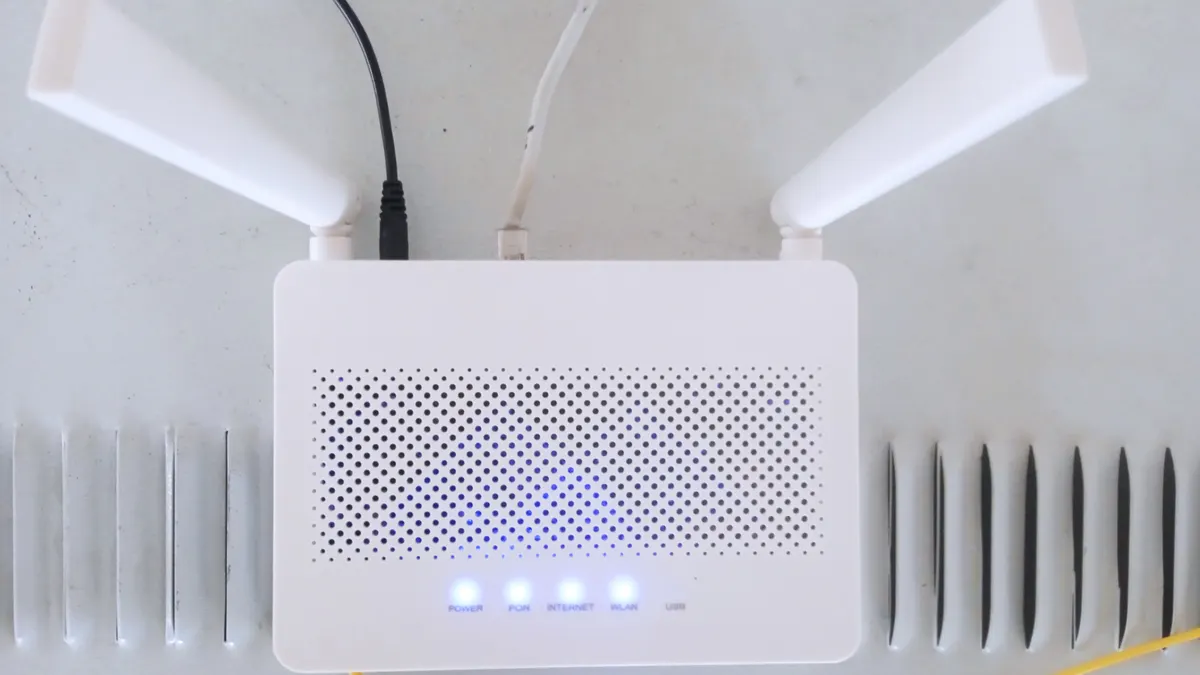
Home internet is now as important as electricity and water. Children study online, parents work from home, and even smart TVs depend on the connection. That is why paying the internet bill late is felt immediately: the provider limits or temporarily suspends the connection. Paying your internet bill online is a simple way to avoid this, as long as you know what information to prepare.
Prepare your internet customer number
Every internet provider issues a customer number or account number for each connection. This number usually appears in:
- The monthly bill or billing email from your internet provider.
- The provider's official app, under the profile or billing section.
- The documents or confirmation message from the first installation.
Note that the customer number is different from the modem serial number, the Wi-Fi name, and the Wi-Fi password. Never write your Wi-Fi password anywhere other than on your own devices.
If the customer name on the bill is still that of the previous homeowner or another family member, it is not a problem as long as the number is correct. What matters is that the name shown during the check matches the name on the bill from the provider.
Steps to pay an internet bill on Anakjuragan
- Make sure your account balance is sufficient. If not, top up first on the /topup page.
- Open /produk-digital and choose Internet, or go straight to /produk-digital/transaksi/internet.
- Choose your internet provider, then enter the customer number.
- Wait for the bill details to appear. Match the customer name, period, and amount with the provider's information.
- If everything matches, continue to the confirmation screen and pay with your account balance.
- The transaction is processed automatically. The status and payment proof are recorded in Riwayat Digital (Digital History) at /riwayat/digital.
If the bill details do not appear, the customer number may be wrong, the selected provider may not match, or this month's bill may already be paid. Check again before retrying.
If you manage several connections, such as internet at home and at the shop, give each customer number a clear label. This prevents one location's bill from being paid twice while another is missed and gets suspended. Also save the provider name for each number, because customer numbers from different providers can look similar.
Internet at AnakjuraganProcessed automatically with a confirmation step; status saved in Digital History. Buy nowUnderstand due dates and suspension
Each internet provider has its own due date and late payment policy. With many services, customers who have not paid after the due date are suspended, meaning the connection is limited or temporarily stopped until the bill is settled. Some providers also charge a penalty or extra fee. The due date can be found on the bill or in the provider's app.
Paid, but the internet is still down?
After the bill is paid, the suspension is generally lifted automatically, but it may take some time depending on the provider's system. If the status in Riwayat Digital shows success but the internet has not come back, try the following steps:
- Turn off the modem or router, wait about a minute, then turn it back on.
- Check the modem's indicator lights. A network fault light usually means a problem on the cable line, not with the bill.
- Check for outage announcements in your area through the provider's app or official social media.
- If it still does not connect, contact the internet provider's customer service and include the payment proof from Riwayat Digital.
Avoid opening up the modem or cutting the fiber optic cable yourself. Fiber optic cables break easily and repairs should be done by the service provider's technician.
Tips for managing the family internet bill
- Record the customer number and due date in one place together with your other household bills.
- Set a reminder a few days before the due date.
- Review your plan regularly. If the speed feels like too much or too little, ask the provider about plan options.
- Keep payment proof in Riwayat Digital as an archive in case there is ever a billing discrepancy.
With the customer number neatly saved and payments made before the due date, your home internet stays smooth, and bills can be handled on Anakjuragan together with your other digital needs.
FAQ
Where can I find my home internet customer number?
The customer number appears on the bill or billing email, the internet provider's official app, or the installation documents.
How long until the internet is back after paying the bill?
The suspension is generally lifted automatically, but the timing depends on the provider's system. If it takes too long, restart the modem and contact the provider's customer service with your payment proof.
What if the internet bill payment fails?
Funds from a failed transaction return to your Anakjuragan account balance. You can check the status in Riwayat Digital.