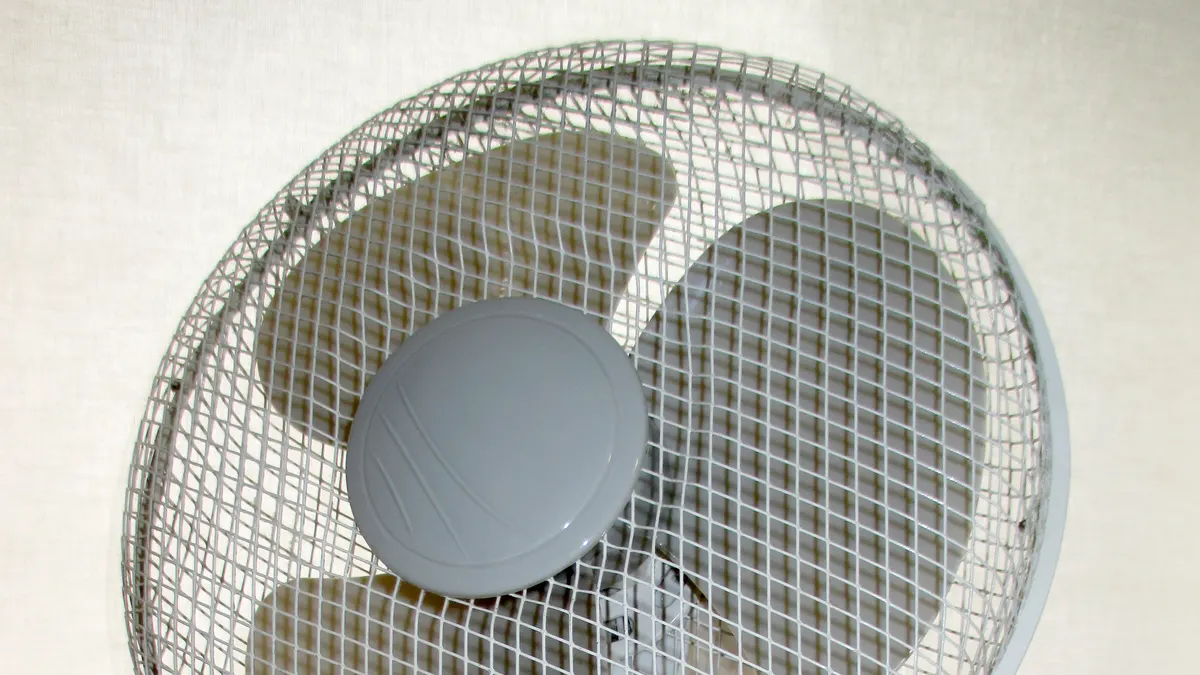
Desk fans are still the go-to way for many families and small shop owners to beat the heat. They are compact, easy to move from the cashier counter to the bedroom, and use far less electricity than an air conditioner. One of the most popular choices is the Maspion 12-inch desk fan, from a long-established local brand. This review covers the features commonly listed in the specifications of Maspion 12-inch desk fans, who they suit best, and how to care for one so the airflow stays strong and the fan lasts.
Features commonly listed in the specifications
Maspion makes several 12-inch desk fan models, and details can vary slightly between them. As an example, the specification listings for the DF331 and EX307 models at an official electronics retail chain include the following:
- A 12-inch blade, roughly 30 cm, made of plastic.
- Power of about 40 watts at 220 volts 50 Hz, matching household electricity in Indonesia.
- A manual speed control with several levels (generally 3 speeds plus an off position).
- On certain models such as the EX307: left-right oscillation and a thermal fuse (thermofuse) that cuts power if the motor overheats.
- No timer on those models.
Because each model may differ, always check the specification label on the bottom or back of the fan and on its box to confirm the wattage, number of speeds, and safety features. About 40 watts is quite economical, so it is suitable for running for hours in a child's room, at a desk, or in a small shop.
Who it suits and where
A 12-inch desk fan is best for small to medium rooms or for airflow aimed at one person, such as a shopkeeper behind the display case, a child studying, or one side of a bed. For a large living room, a standing fan or wall fan with bigger blades is usually more effective. Place the fan on a flat, stable surface away from the edge of the table so it is not easily knocked over by children or pets.
If there are toddlers at home, put the fan where small hands cannot reach it and make sure the front guard is always firmly attached. Also route the cord so it does not cross a walkway, because tripping over the cord can pull the fan down and damage the plug. In a food stall, avoid placing the fan right next to the stove or frying pan, since the airflow can disturb the flame and oil vapor quickly sticks to the blades.
Related products in storeCheck the latest price and stock from this article. See productsHow to clean the blades safely
Dust stuck to the blades makes the airflow feel weak and can make the motor work harder. Clean it regularly, for example every two to four weeks, and more often if the fan is used near a dusty road or a kitchen. Steps:
- Turn off the fan and unplug it from the outlet. Never clean a fan that is still connected to power.
- Open the clips around the edge of the front guard, then remove the front guard.
- Turn the center cap (spinner) of the blade in the direction shown on its surface, then pull the blade off the shaft.
- Wash the blade and both guards with water and dish soap, scrubbing with a soft sponge. Avoid wire brushes that can scratch.
- Dry thoroughly with a cloth, then let them air-dry.
- Clean the fan body and motor housing only with a dry or slightly damp cloth. Do not pour water on or soak the motor and switch.
- Reattach the rear guard, blade, center cap, and front guard. Make sure everything is locked tightly before turning the fan on.
Signs the fan needs checking
Some symptoms mean the fan should not be used until it has been checked:
- The blade turns very slowly or jerkily even after cleaning.
- A burning smell, a loud humming noise, or a motor housing that feels very hot.
- A cracked or peeling cord, or a loose, blackened plug.
- The fan switches itself off after long use. On models with a thermofuse, this may be the thermal protection working because the motor got too hot.
If you notice any of these, unplug the fan and take it to an authorized service center or an electronics technician. Do not take the motor apart or splice wires yourself if you are not experienced.
Tips to make the fan last longer
- Use a low speed once the room is cool enough. Besides saving power, the motor works less hard.
- Give the fan a break if it has been running for a very long time, especially in a hot room.
- Plug it directly into a solid outlet, not into a loose connection or an extension strip that is already heavily loaded.
- Store it in a dry place and cover it with a cloth or plastic when not used for a long time so it does not collect dust.
FAQ
How much power does a Maspion 12-inch desk fan use?
The specification listings for several Maspion 12-inch desk fan models, such as the DF331 and EX307, state about 40 watts. The exact figure for your unit is on the label on the fan body.
Can the blades be washed with water?
Yes, the plastic blade and guards can be washed with water and soap once removed. The motor and switch should only be wiped, not wetted.
How often should the fan be cleaned?
As a rule of thumb, every two to four weeks. More often if the fan is used in a dusty place, near a kitchen, or in a roadside shop.